
Cut Grass Adventure Progression Checklist
A repeatable checklist for clean sessions on Grassini’s Roblox grass incremental.
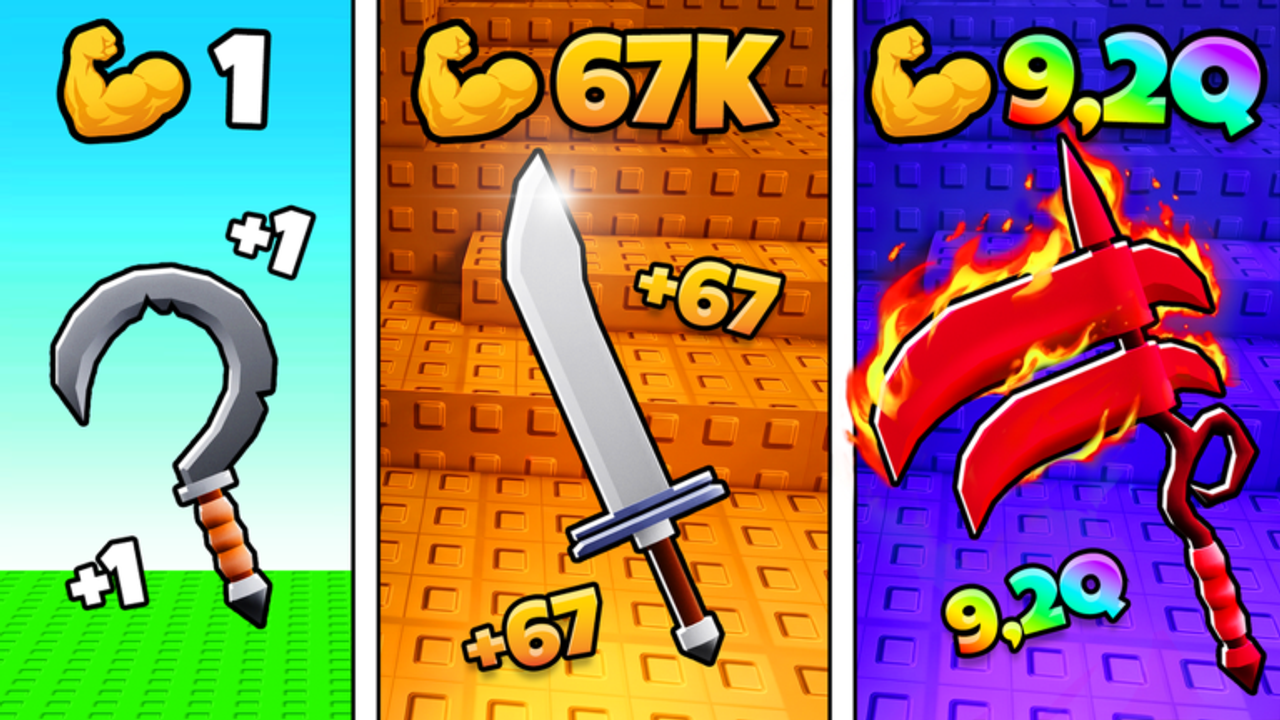
Use this Progression Checklist every session of Cut Grass Adventure. It compresses the wiki into ticks you can finish even on a short mobile break.
Boot-up checklist
- Launched +1 Cut Grass Adventure by Grassini (correct place)
- Controls feel fine (Controls)
- Claimed offline rewards if any (Offline Earnings)
- Checked Codes Hub for new strings
- Skimmed Patch Notes if you were away more than a day
Early loop checklist
- Trained Strength until starter grass dies quickly (Strength Training)
- Sold loot before the bag jammed (Loot and Sell)
- Bought the next efficient cutter (Cutters Tier List)
- Avoided C-tier vanity upgrades (Upgrades Tier List)
Mid-session checklist
- Re-tested clear speed on the same lane after each major buy
- Kept Cash spent on bottlenecks, not hoarded
- Considered a rebirth when prices balloon (How to Rebirth)
- Adjusted the plan with the Farming Planner
Pre-rebirth checklist
- Sold all loot
- Spent Cash that still helps the final push
- Redeemed any active codes (How to Redeem Codes)
- Understood what resets
- Prestiged intentionally
Logout checklist
- Bags empty
- Cash spent
- Rebirth decision made
- Next session goal noted (Strength / cutter / prestige)
Weekly checklist
- Revisit Tier List Hub after updates
- Confirm Official Links still point at Grassini destinations
- Ignore codes from unrelated grass games
Print this page mentally, not literally — the value is repetition. For narrative teaching, return to Getting Started and the Guides Hub. If you automate any ticks, read Script Safety first.
Customising the checklist safely
Add personal ticks — “stretch shoulders,” “fill water,” “stop at midnight” — but do not remove sell or Strength items to make room. The core ticks exist because they protect Cash/minute. If a patch adds a new daily claim, insert it under boot-up rather than inventing a second document.
Families sharing an account should initial the checklist in chat so two people do not rebirth back-to-back by accident. Coordination is part of progression when the avatar is shared.
Checklist analytics you can feel
Once a week, count how many sessions skipped the logout ticks. Those are usually the nights offline felt weak. Correlate skipped Strength ticks with days the field felt tanky. You do not need a spreadsheet — a three-line journal is enough. Adjust the Farming Planner toward the ticks you skip most, because skipped items reveal friction. If codes redeem is always skipped, schedule it during boot-up coffee, not mid-lane. Tiny scheduling fixes outperform grinding harder on a broken routine.
Checklist for post-patch evenings
Replace mid-session creativity with boot-up scrutiny after Patch Notes drop. Confirm menu locations, test one lane, then allow normal ticks. Add a temporary tick: “scripts disabled until verified” linking Script Safety. Remove that tick only when loaders match the new build. Post-patch checklists prevent the expensive combo of broken automation plus confused manual play. Your future self — staring at an empty Cash balance — will thank present you for the boring ticks.
Closing thought on automatic ticks
Print the ticks into muscle memory until selling before logout feels as automatic as jumping — that is when checklists have done their job. Until then, keep this page open. Skipping ticks is how offline disappoints and how rebirths feel scary. Pair stubborn checklist use with kinder session lengths from the Farming Planner so discipline never has to fight exhaustion.
Frequently Asked Questions
Quick answers for Cut Grass Adventure on Roblox.
How often should I run the full checklist?
Boot-up and logout every session; mid-session ticks whenever you buy something expensive or consider rebirth.
What if I only have ten minutes?
Do boot-up, one Strength or sell cycle, and logout. Short clean sessions beat long messy ones.
Where do scripts fit in the checklist?
Optional and last. Never skip safety reading to save a few clicks.